 COURTSIDE
CourtSide replaces the spreadsheet, the group chat, the paper notebook and the wall printout with one app that every coach, player and parent actually understands.
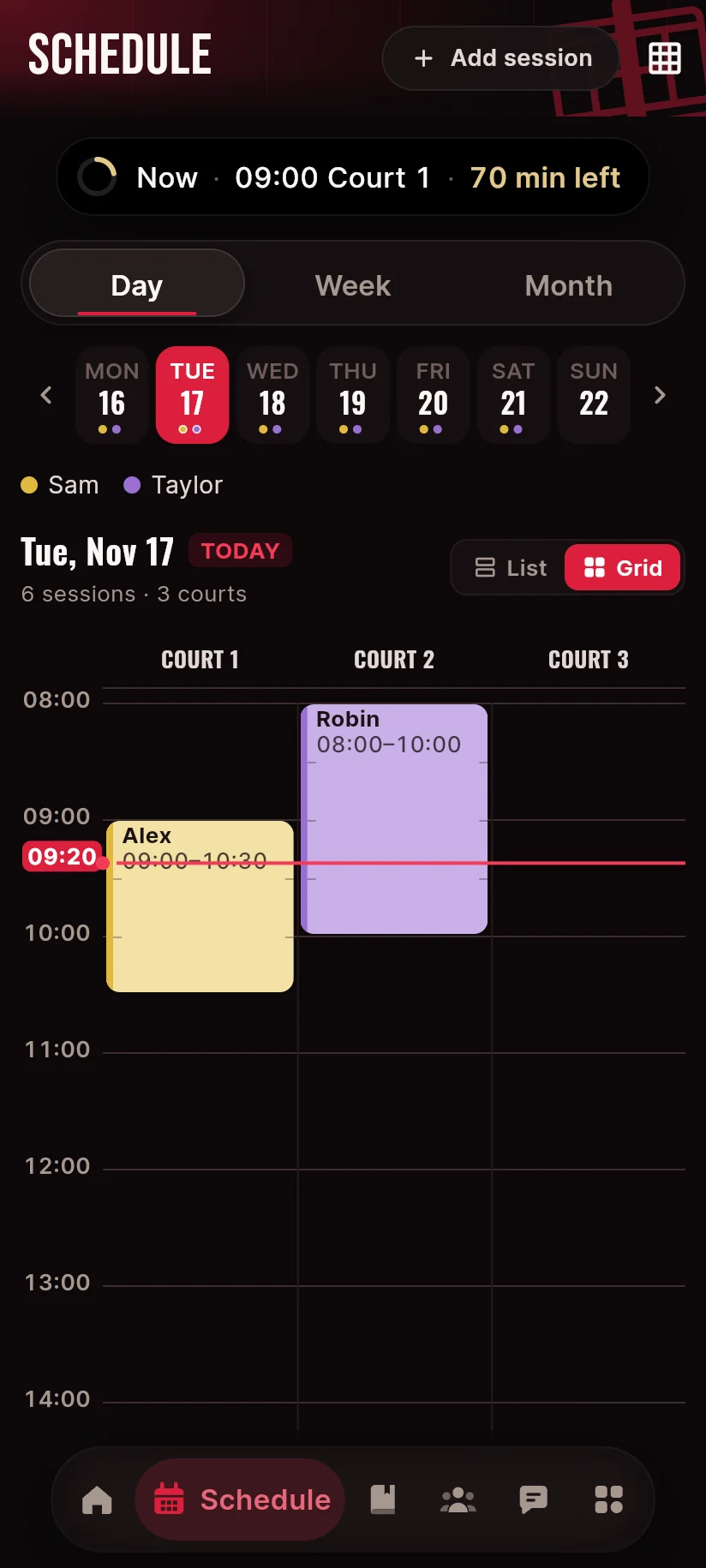
Most clubs already have a schedule. It lives in Excel or on a printout taped to the clubhouse wall. CourtSide doesn't ask you to change that. It asks you to stop retyping it.
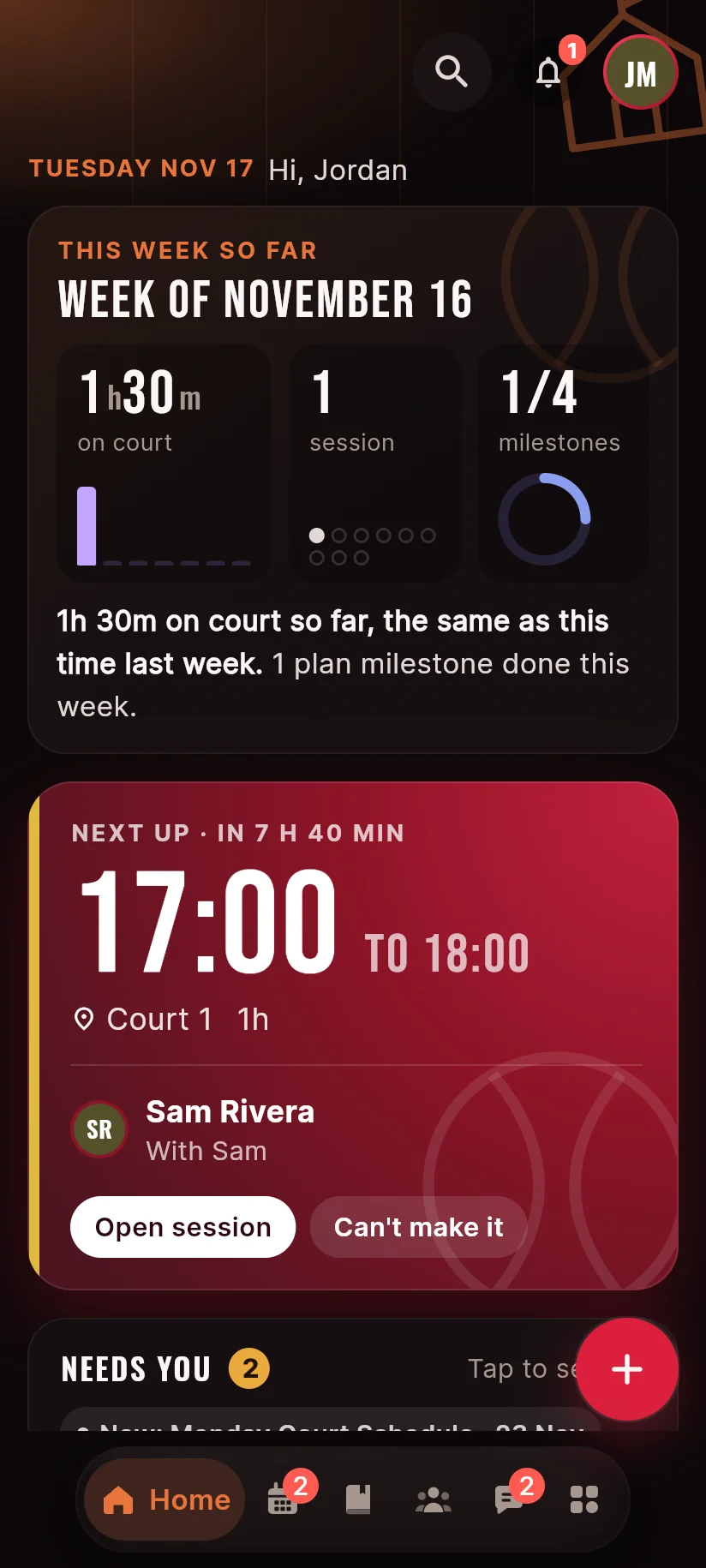
Every player gets a roadmap only they and their coaches can see: concrete milestones like "win a club tournament match", ticked off one by one. Assign training programs to one player, a group or the whole club, then grade practices and rate skills, and watch the charts move over the season.
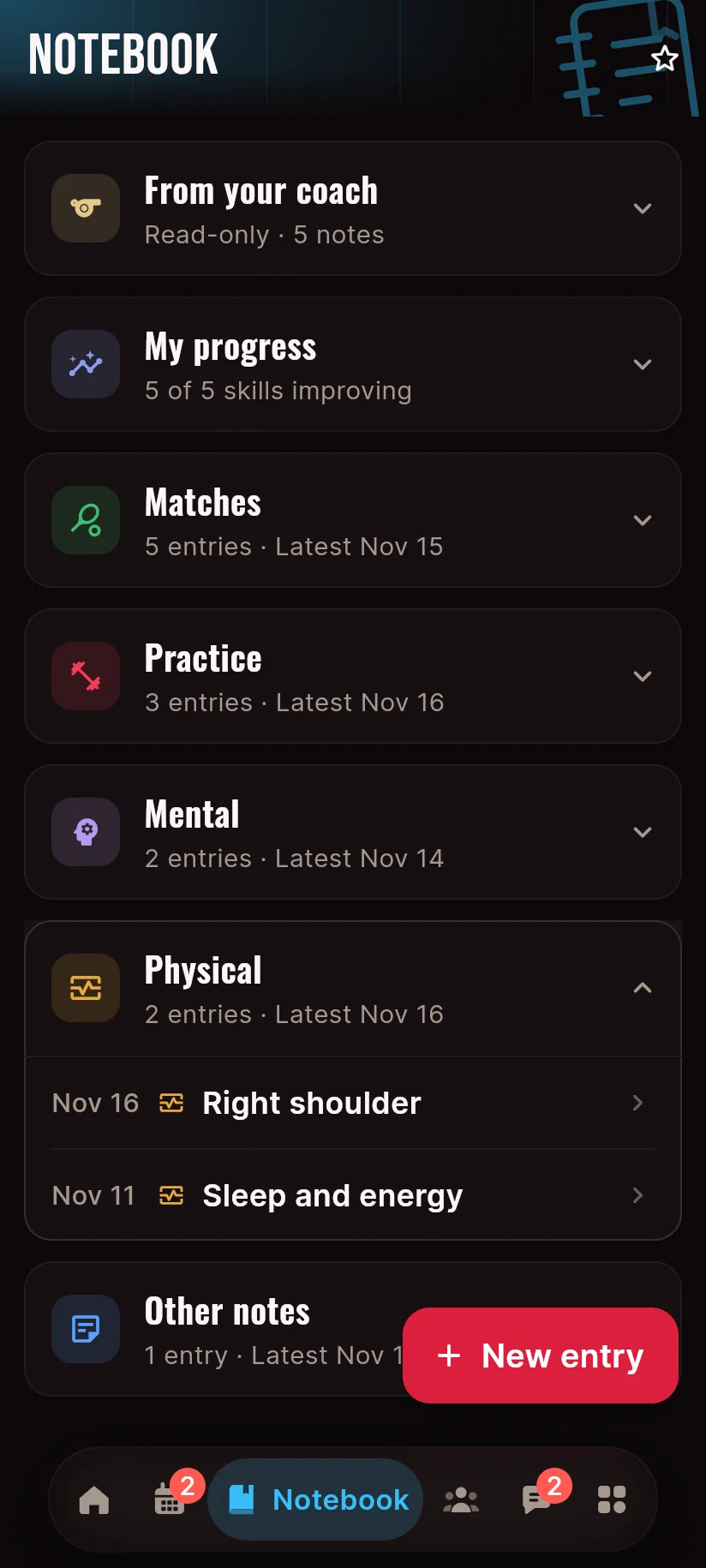
After a match or practice, players write a short reflection: what worked, what didn't, what to fix next time. Each player chooses what gets shared with the coach: match reflections, everything, or nothing. Free notes always stay private. Coaches get a reading inbox of everything shared; parents see their child's reflections, never the private notes.
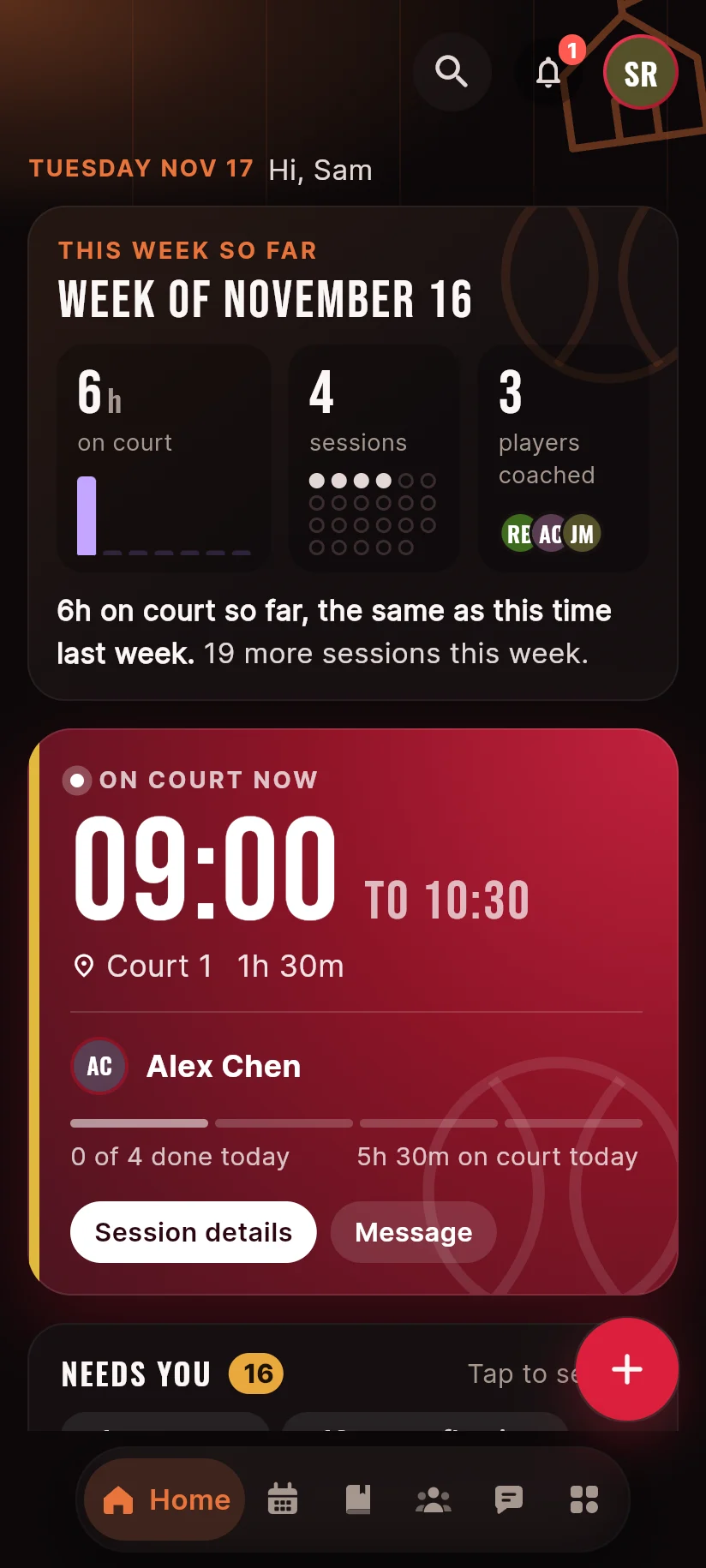
Because schedules in CourtSide are structured data, the app counts everything for you. No manual logging, ever.
Five roles, one app. The head coach grants each coach individual permissions: schedules, grading, members, moderation. Parents link to their child with a family code and follow progress from their own account. The physio publishes availability windows that players can see when booking fitness work.

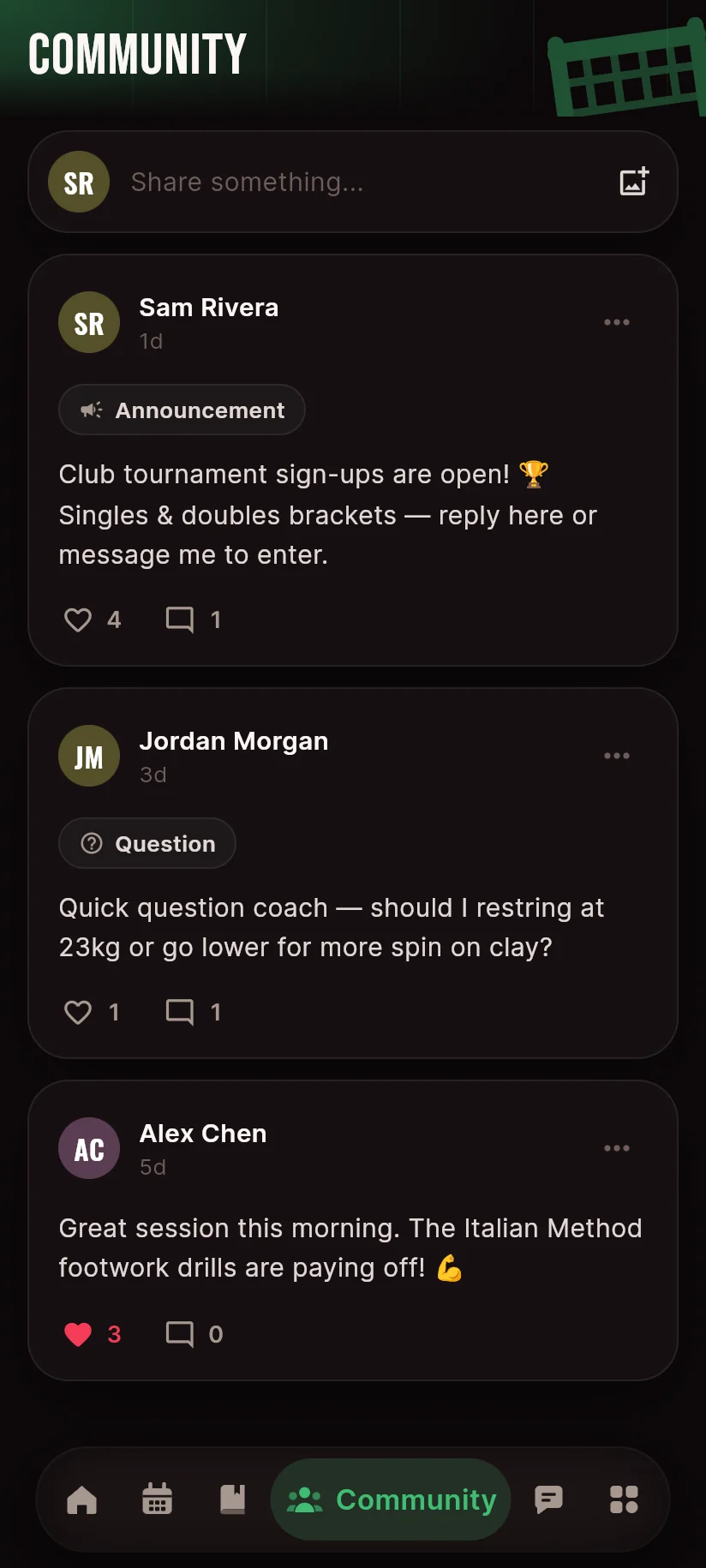
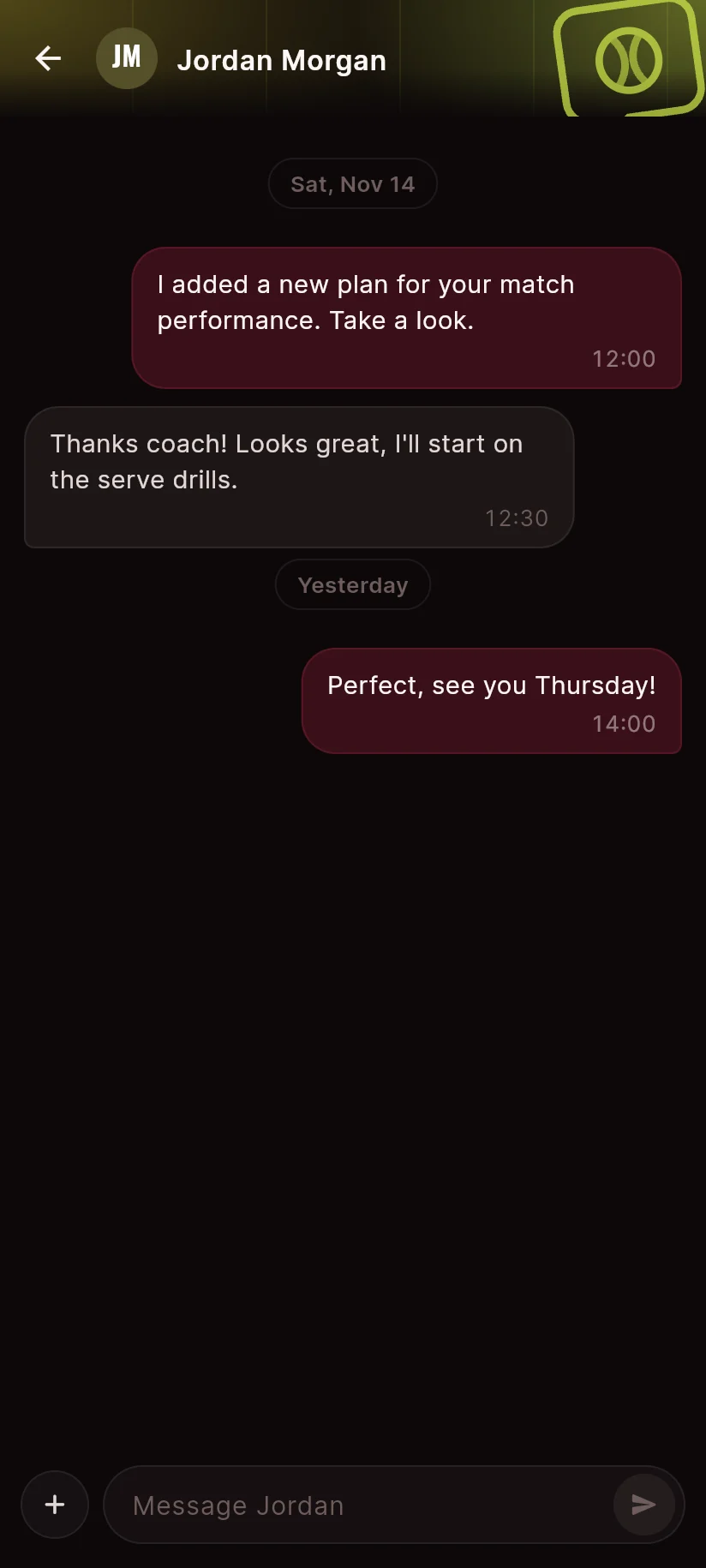
A club feed for announcements and questions, direct messages with coach broadcast channels, a shared photo gallery, and a notifications inbox that ties it all together. Fully translated into six languages: English, Romanian, French, Chinese, Japanese and Korean.
Android (APK), Windows (installer) and any modern browser as an installable web app. One account works everywhere, and the download links arrive right after payment.
Three ways: import the Excel or CSV file you already use, photograph a printed grid and let CourtSide read it automatically, or build it with the in-app visual grid builder. Players see their own sessions instantly and can export the week to PDF.
Yes. Parents get their own account linked to their child, where they can view next sessions, skill progress, match results, roadmap objectives and shared reflections. Private notes stay private.
Yes. Hours per player, per coach and for the whole club are computed automatically from posted schedules, with no manual logging, plus weekly reports and leaderboards.
English, Romanian, French, Chinese, Japanese and Korean. Every screen is fully translated.